
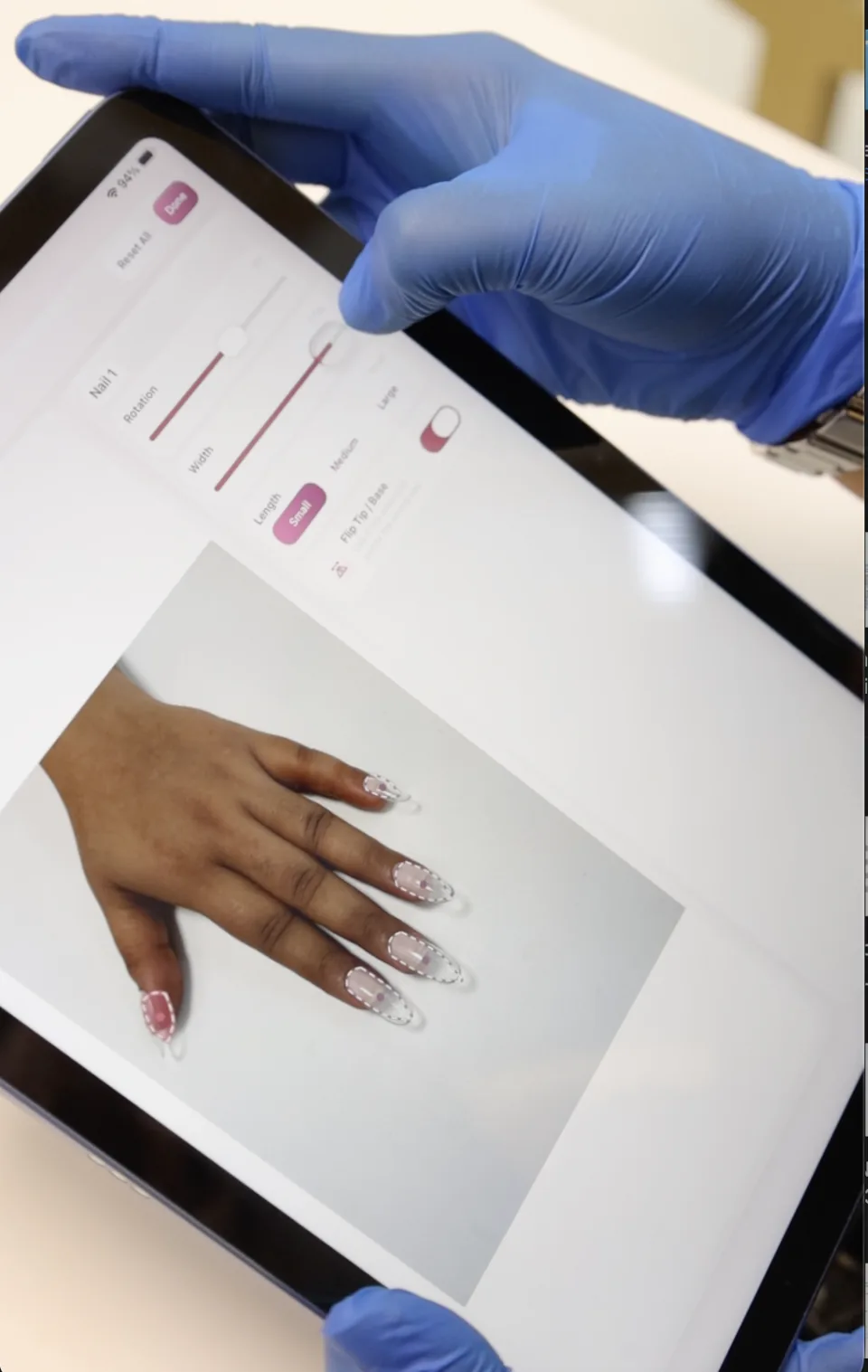
01
Choose and fit the extension
Explore the available shape and length options, then adjust the fit to the nail.
Varyt product
Explore shape and length on your client’s own hand. Fit the virtual extension, add a design and see how the look comes together before application.
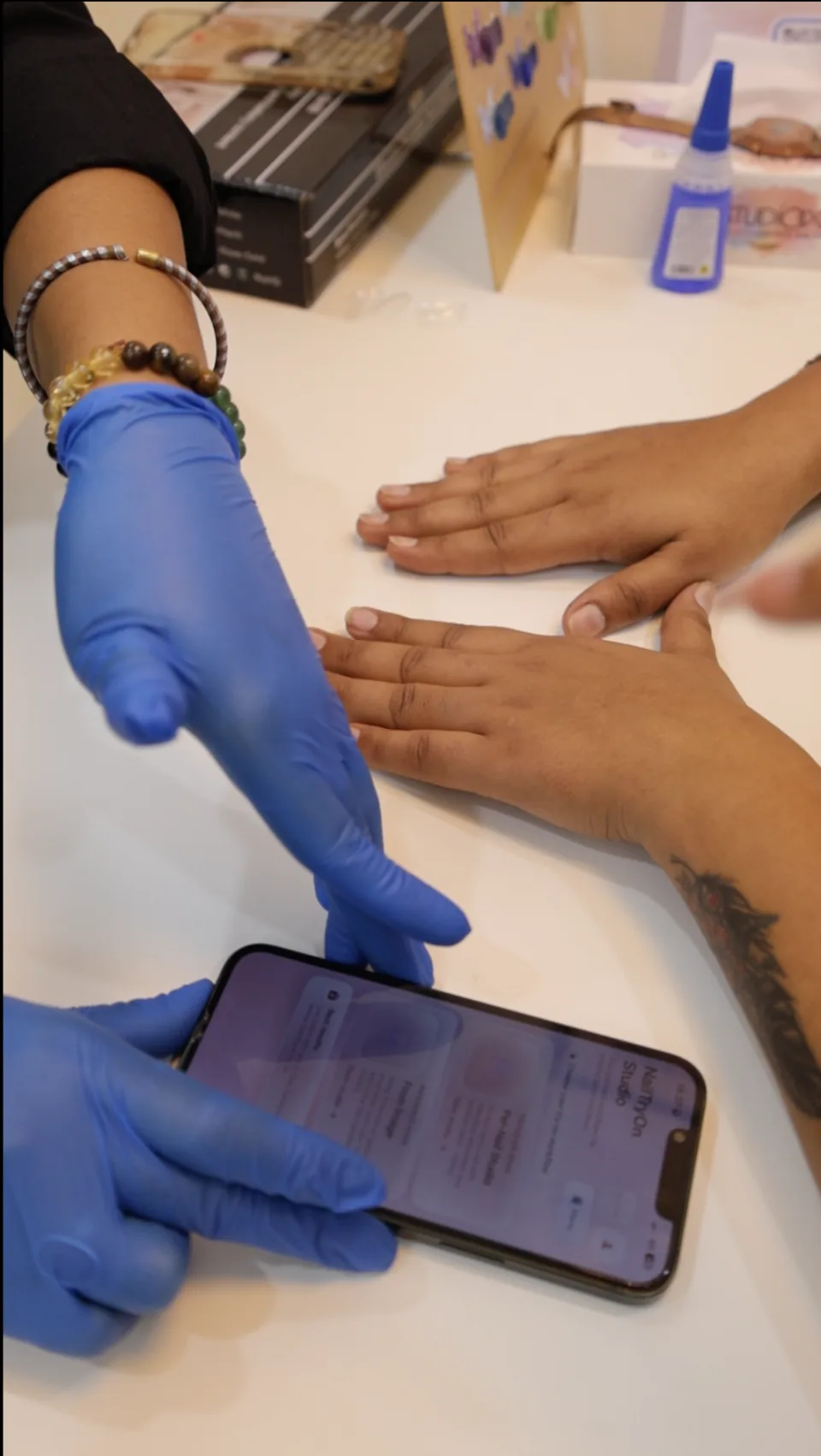
Use the preview to talk through the look before the client chooses an extension.
01
Explore the available shape and length options, then adjust the fit to the nail.
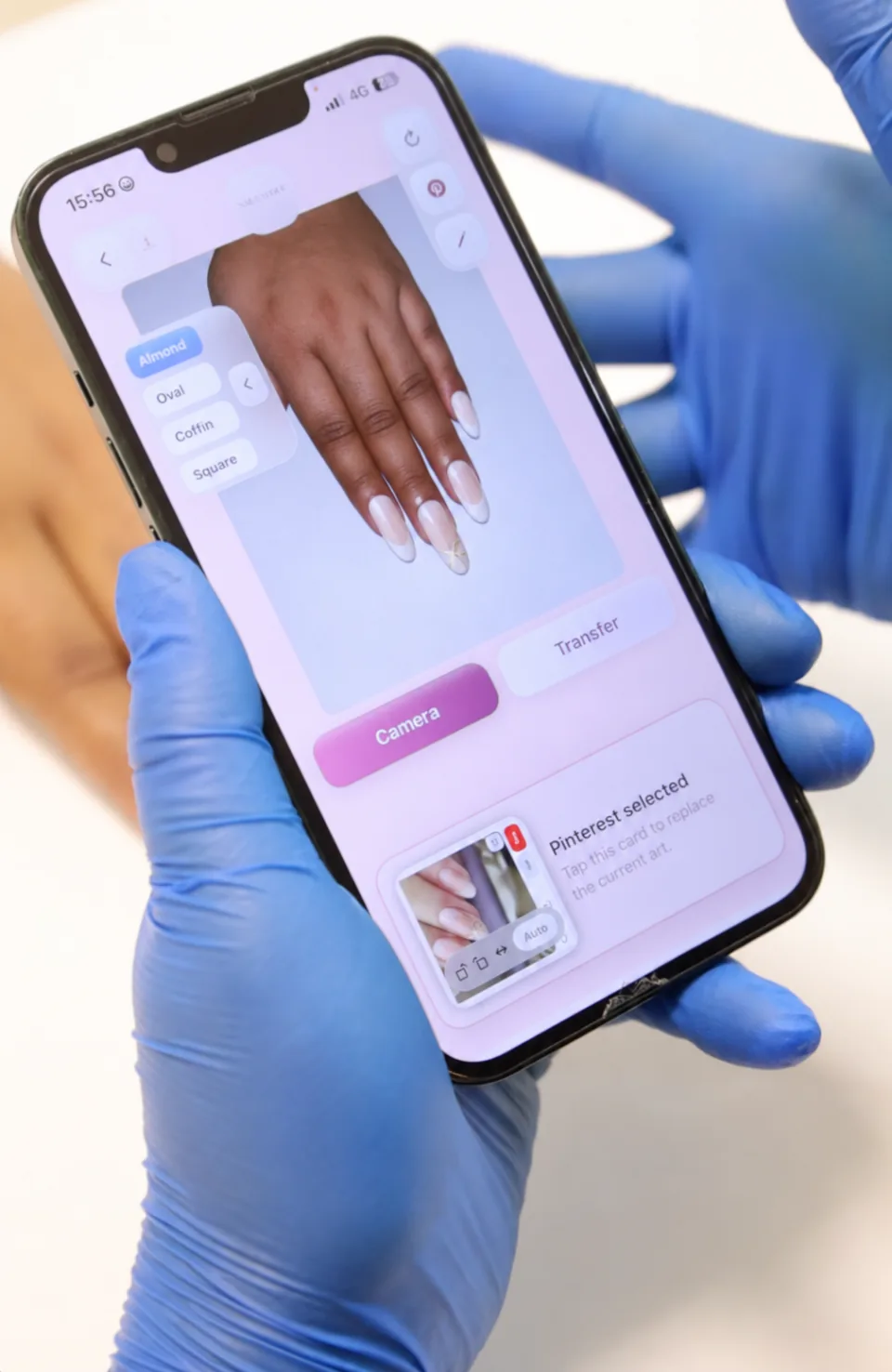
02
Review the outline across the full hand and discuss the shape the client prefers.
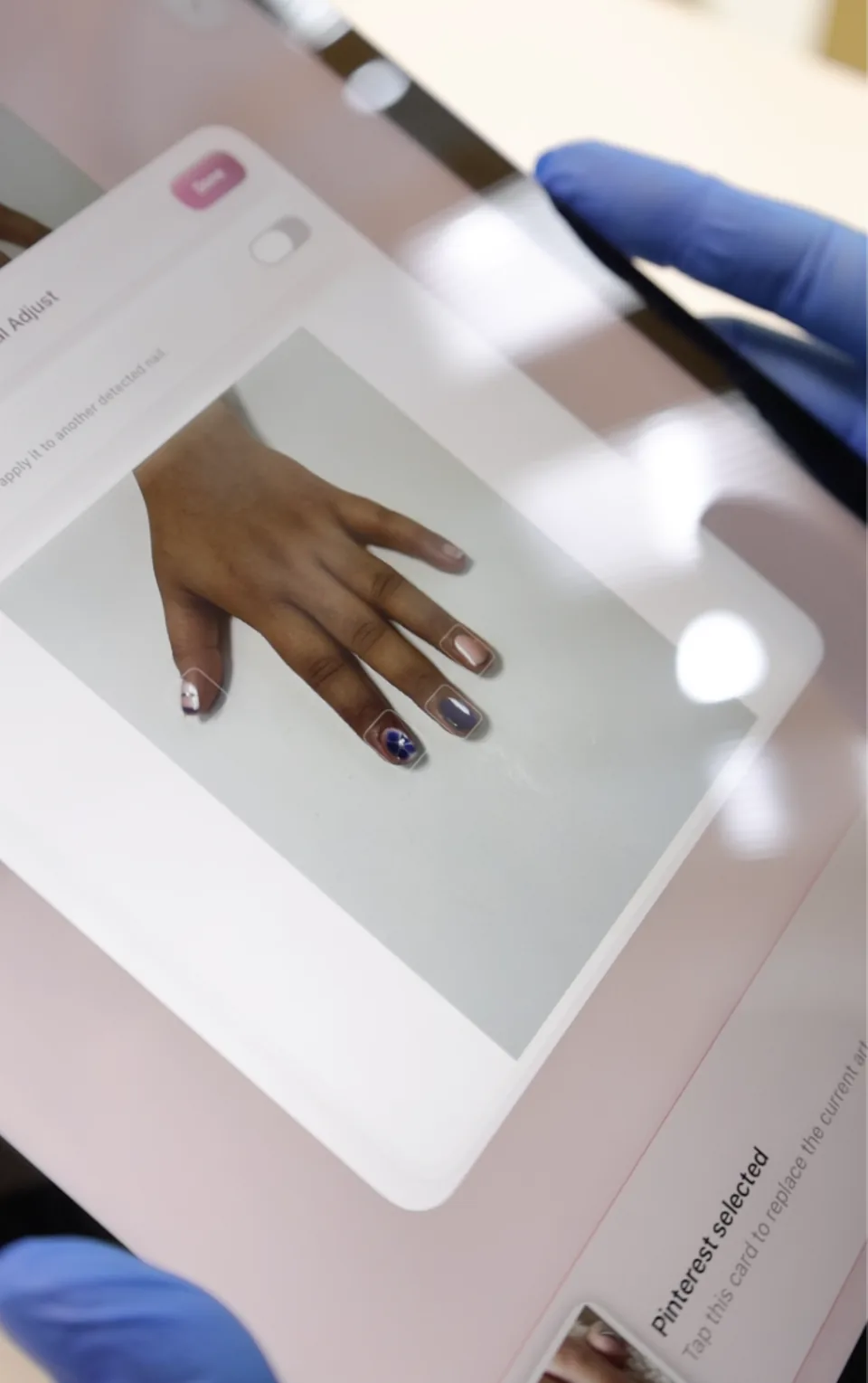
03
Bring colour and nail art into the extension preview to see the complete direction.
Fit, refine, confirm
Adjust the orientation, width and placement of an individual nail when needed. Return to the hand preview and confirm the final shape and design with your client before the service begins.
See Varyt using your own nail catalogue and consultation workflow.